


A Wide Range of UI/UX Design Services
We work on different aspects of design, including user interfaces, user experience planning, and design systems for web and mobile applications.
User Interface (UI) Design
We design the visual layer of your application, focusing on how each screen looks and how elements are arranged. This includes layouts, buttons, forms, colors, and typography that shape the overall interface. At Brevity, UI design is not just about visuals. It is about creating a structure that guides users naturally, so they can interact with the system without confusion or extra effort.
User Experience (UX) Design
We plan how users move through your application and how different features connect. This includes defining user journeys, flows, and interaction points based on real usage patterns. The goal is to remove friction and make the product feel logical. Brevity focuses on designing experiences that match user expectations and support task completion without unnecessary steps.
Wireframing & Prototyping
We create wireframes to define the structure of the application before design begins. These layouts help map content, features, and navigation without focusing on visuals too early. Prototypes are then built to simulate real interactions. This allows you to review flows, test ideas, and gather feedback before development starts, reducing rework later.
Design Systems & Guidelines
We build structured design systems that define how your product looks and behaves across screens. This includes reusable components, style rules, and interaction patterns. These systems help maintain consistency as the product grows. They also make it easier for design and development teams to stay aligned and work faster on new features.
Web & Mobile App Design
We design applications for both web and mobile platforms, keeping device behavior and screen sizes in mind. Each design is adapted to how users interact on that specific platform. Brevity focuses on creating consistent experiences across devices while making sure each version feels natural and easy to use.
UI/UX Redesign
We review existing applications to identify usability gaps and areas that need improvement. This includes analyzing user flows, layout issues, and interaction challenges. Based on this, we redesign the interface and experience to make the product easier to use, more structured, and better aligned with user expectations.
Let's pool our skills to make something truly outstanding
Please feel free to book your free consultation now

Key Benefits of UI/UX Design
Easy to Use Interfaces
Good design makes applications easier to understand and navigate. This helps users complete tasks without confusion.
Consistent User Experience
Design systems help maintain consistency across screens and features. This creates a stable experience for users.
Better User Interaction
Clear layouts and structured flows improve how users interact with the application.
Reduced Learning Curve
Simple and clear design reduces the time required for users to understand how the product works.
Supports Product Growth
Well-structured design makes it easier to add new features and expand the application over time.
Data-Informed Design Decisions
Design can be guided by user behavior and data patterns. This helps improve how users engage with the product.
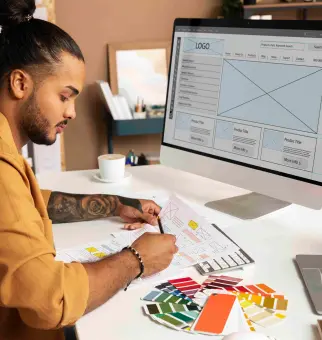
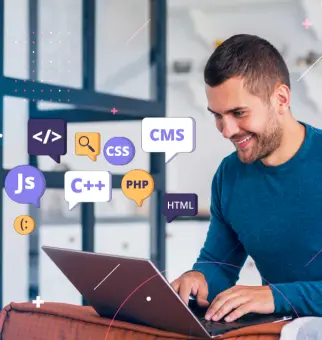
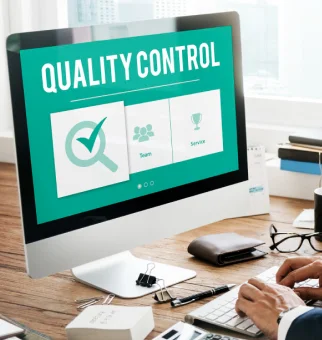
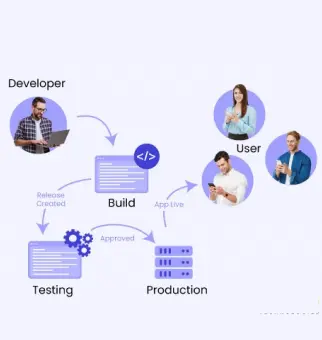
Development Process to Design Web Solution
Systematic approach used to create software solutions, encompassing various stages from planning to deployment.
STEP 1

STEP 2
STEP 3
STEP 4
STEP 5
STEP 6
Throughout the development process, collaboration among team members, adherence to coding standards, and use of project management methodologies are crucial for success. Additionally, continuous feedback and iteration help to refine the software and meet user needs effectively.
Technology Stack
Handful experience in various technologies and we keep ourself abreast with latest

ReactJS

Angular

VueJS

PHP

Laravel

WordPress

Shopify

MySQL

PostgreSQL

MongoDB

Figma

Adobe XD

AWS

Microsoft Azure

Google Cloud
Design Solutions Across use Cases
Brevity Software Solutions designs user interfaces and experiences across different product types based on how users interact with them.
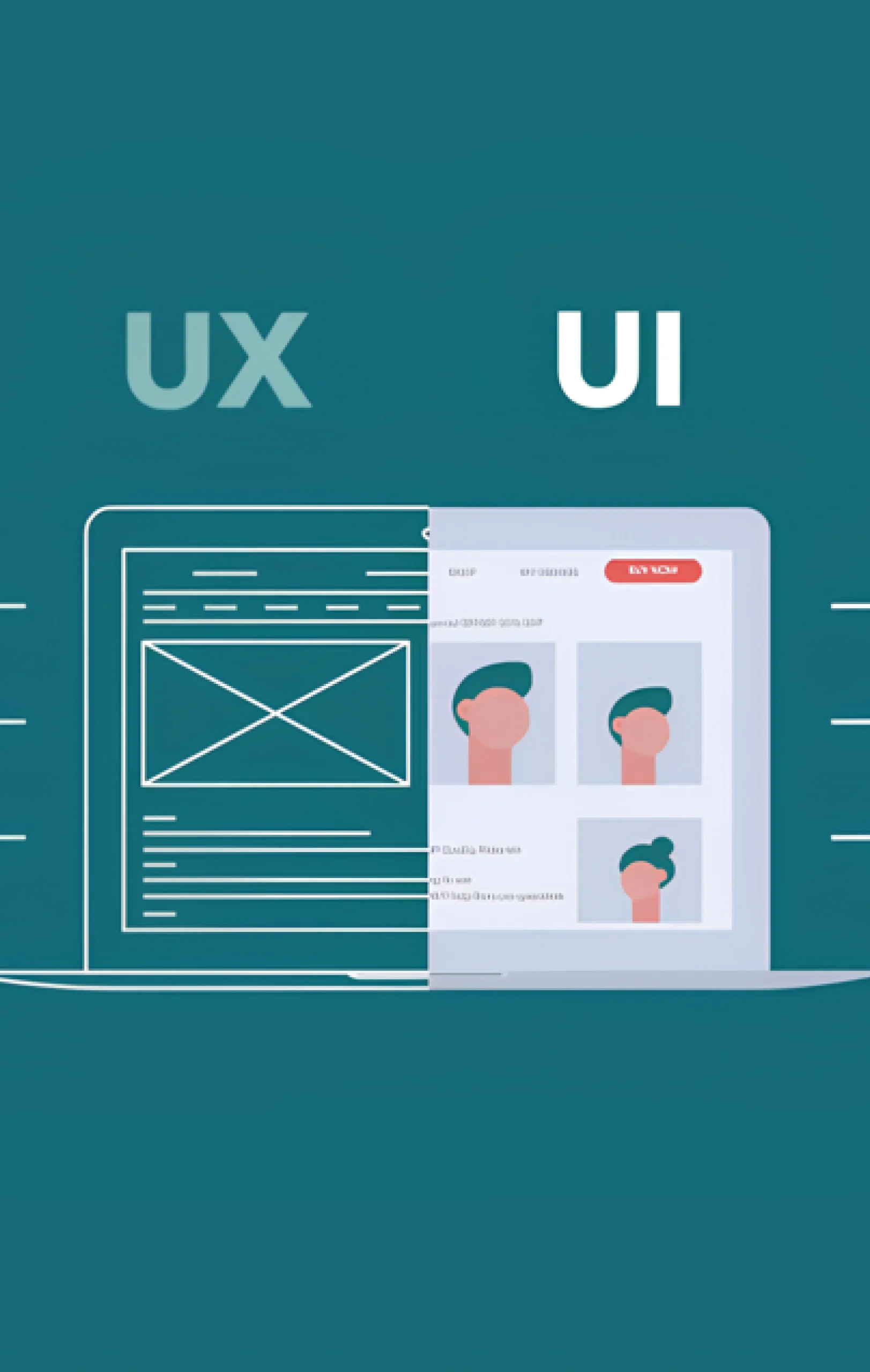
We design interfaces for digital products that focus on usability and structure. These designs help users navigate applications easily and complete tasks without confusion.
- Screen layouts
- Navigation structures
- Form design
- Component design
- Interaction elements
- Visual hierarchy
- Responsive layouts
- Accessibility considerations
We plan how users move through an application and interact with features. These flows help organize user journeys and improve usability.
- User journey mapping
- Flow diagrams
- Interaction planning
- Task-based flows
- Feature navigation
- Decision paths
- Process mapping
- Usability improvements
Brevity designs dashboards and data interfaces that present information clearly. These designs help users understand data without complexity.
- Data visualization layouts
- Dashboard structures
- Chart and graph design
- KPI display
- Reporting interfaces
- Data grouping
- Filter and search design
- User-friendly data views
We design interfaces that work across web and mobile platforms. These designs maintain consistency while adapting to different devices.
- Responsive layouts
- Mobile-first design
- Cross-device consistency
- Adaptive components
- Platform-specific adjustments
- Unified design systems
- Multi-device flows
- Consistent interaction patterns
We build reusable design systems that support long-term product development. These systems help maintain consistency and simplify updates.
- Component libraries
- Style guides
- Typography systems
- Color systems
- UI patterns
- Interaction rules
- Documentation
- Scalable design frameworks
Best Practices Followed by Brevity
How does Brevity assist its customers in developing top-notch software solutions?
1
Discovery & Requirement Analysis
Every successful project starts with a clear understanding of business goals. Our team at Brevity Software Solutions works closely with stakeholders to gather requirements, identify challenges, define objectives, and establish a roadmap for development.
2
Clear Project Documentation
Well-organized documentation keeps everyone aligned throughout the project lifecycle. It supports communication, collaboration, decision-making, and knowledge sharing across teams and stakeholders.
3
User-Centric UX/UI Design
Creating a positive user experience is a key part of our process. Our UX/UI specialists design intuitive, visually appealing, and accessible interfaces that help users interact with applications effortlessly.
4
Development Best Practices
Brevity Software Solutions follows industry-recognized coding standards and development methodologies to create secure, scalable, maintainable, and high-performing software solutions.
5
Structured Project Execution
A defined development process helps keep projects organized and moving forward. Through regular communication, collaboration, and adaptability, we align project activities with business objectives and evolving requirements.
6
Rigorous Quality Testing
Quality is integrated into every stage of development. By combining manual and automated testing, we evaluate functionality, performance, security, and reliability before software is released.
7
Ongoing Maintenance & Support
Software continues to evolve after launch. Brevity Software Solutions provides ongoing support, updates, monitoring, and issue resolution to help applications perform reliably and adapt to changing business needs.
8
Transparent Communication
Strong partnerships are built on openness and trust. We maintain clear communication, provide regular progress updates, set realistic expectations, and encourage feedback throughout the engagement.
9
Long-Term Client Partnerships
We value lasting relationships and focus on delivering consistent value. By understanding our clients' evolving needs and sharing insights into emerging technologies, we help them stay competitive and prepared for future growth.

-
F
-
A
-
Q
UI design focuses on the visual layout of an application, including elements like buttons, colors, and screens. UX design focuses on how users interact with the product and how easily they can complete tasks.
A well-designed interface helps users understand and use your product without confusion. It improves user satisfaction and reduces drop-offs during interaction.
Yes, we design for both platforms while considering how users interact differently on each. The experience is adapted to fit device behavior and screen size.
Yes, we review your current design, identify usability issues, and improve the layout and flows. The goal is to make the product easier to use and more structured.
Yes, we create interactive prototypes so you can see how the application will work. This helps gather feedback and make changes before development begins.
We use design systems that define components, styles, and interaction rules. This keeps the design consistent as new features are added.
Yes, AI can support design decisions by analyzing user behavior and patterns. It helps create a more user-friendly experience.
Want to Scale Your Business? Let’s Meet & Discuss!

CANADA
30 Eglinton Ave W Mississauga, Ontario L5R 3E7

INDIA
3rd floor Purusharth Plaza, Amin Marg, Rajkot, Gujarat. 360002
INDIA
1116, Zion Z1, Sindhu Bhavan Marg, Nr. Maple County Road, Bodakdev, Ahmedabad, Gujarat. 380059
Get a Quote Now
Let's delve into a thorough understanding of your challenges and explore potential solutions together